Find a place, drop a pin and measure distances
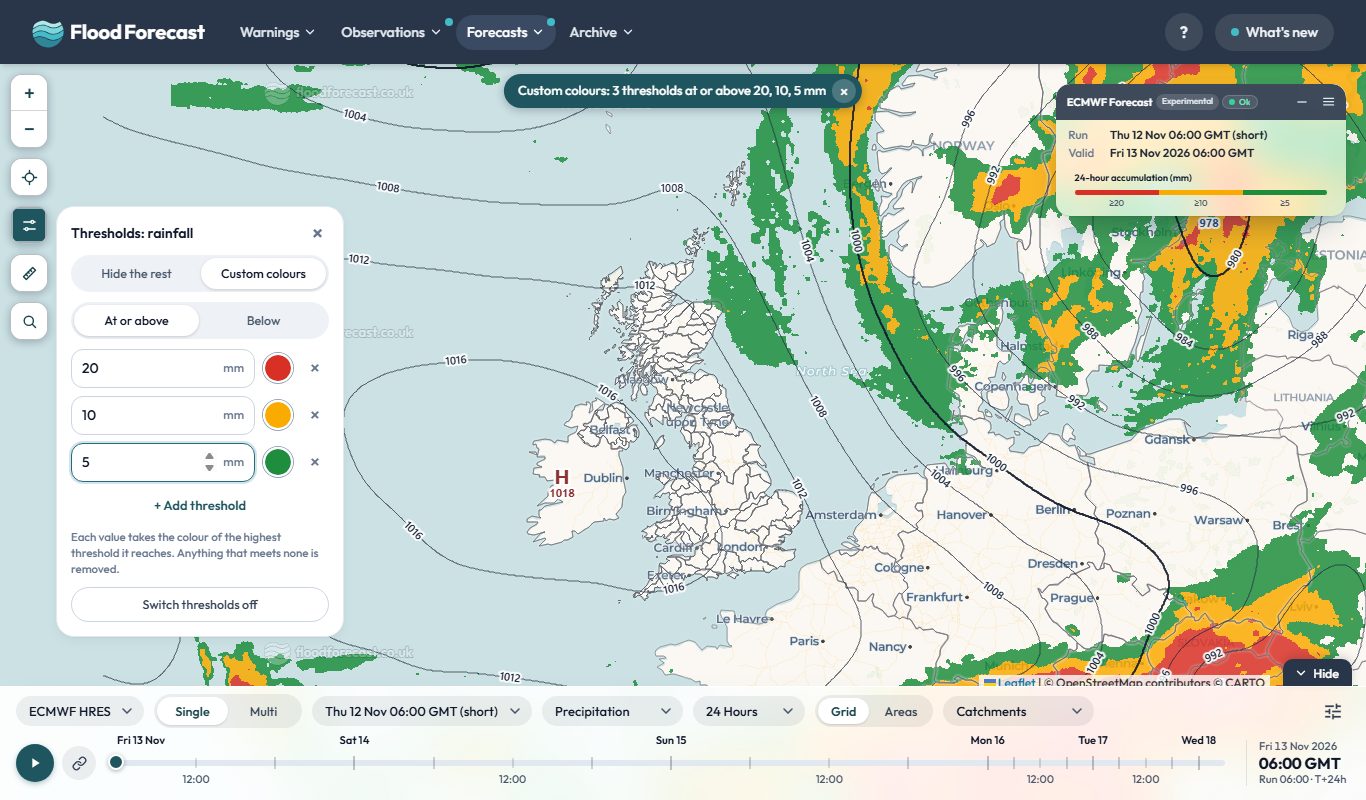
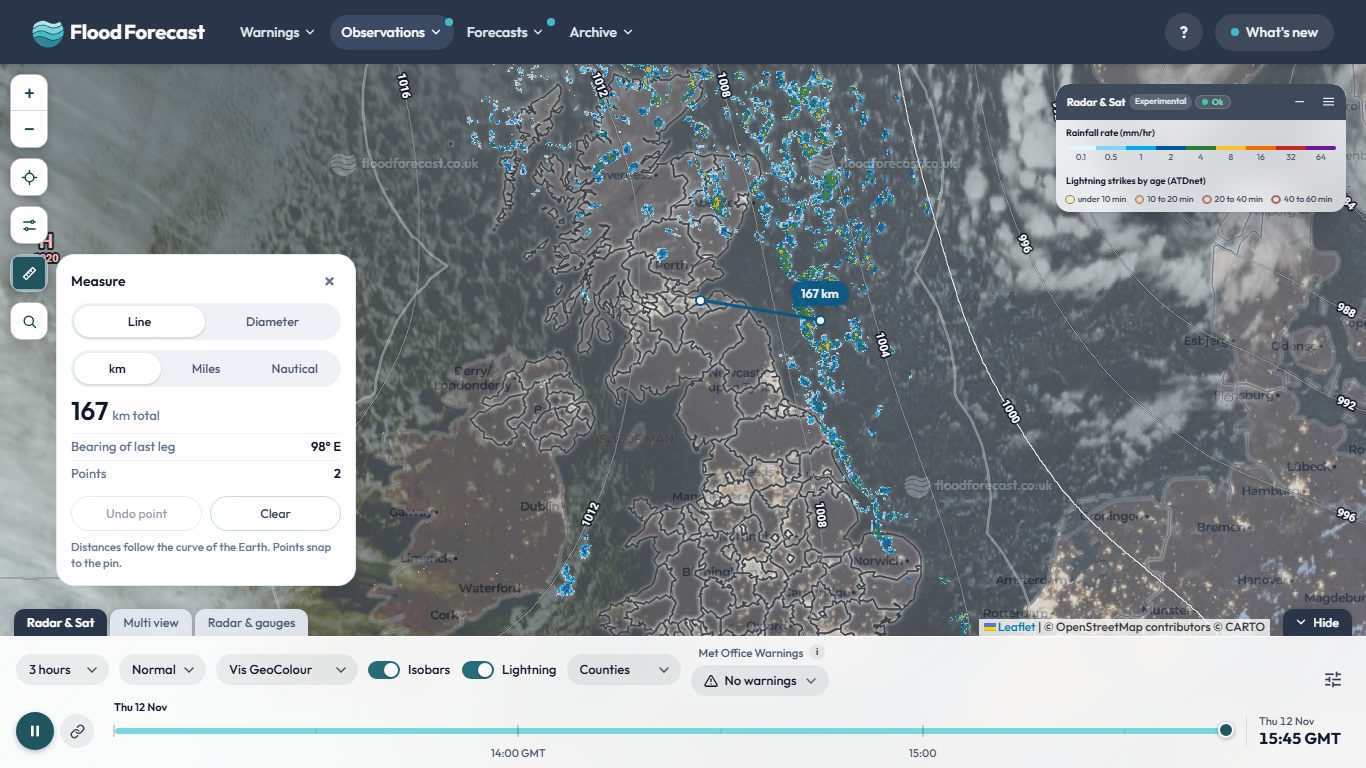
Two new buttons sit at the foot of the map buttons on the radar and model pages. Search finds a town or postcode and drops a pin, or use your location, or press and hold anywhere on the map. Measure draws a line to give the distance and bearing, or choose Diameter to click a centre and an edge and read the radius, diameter and area. Distances can be in km, miles or nautical miles, and points snap to your pin.
 Open Radar & Sat
Useful?
Thanks